
← All posts
Your Absence Tracker Is a Spreadsheet. That's the Risk.
Your spreadsheet is a liability disguised as a tool. Formula errors and version confusion create hidden costs that compound until a labor audit triggers a massive fine. Stop relying on manual files that cannot prove compliance. Discover why your current absence tracker is failing and how to protect your business from expensive legal exposure.
 By Juan Di Toro · Founder of Timis · CTO at Hirevoice
October 30, 2026 · 11 min read

Your spreadsheet is not a safety net. It is a liability with good formatting. Most HR teams treat Excel as the neutral, trustworthy home for leave records, the thing you fall back on because it feels familiar and free. That trust is misplaced. A spreadsheet cannot flag a bad entry, cannot keep a medical note separate from payroll data, and cannot prove anything to a labor inspector who wants records, not a file name. The errors inside it do not stay small either; they compound quietly until a routine check turns into a five-figure problem. Here is why everything you believe about tracking absence in a spreadsheet might be wrong, and what the real cost looks like once you stop assuming the math is fine.
The math looks right until it costs you a fortune

Most people assume spreadsheet errors are rare, small, and easy to catch. They are wrong on all three counts. PwC research found that 88% of spreadsheets contain at least one error. That is not a warning about sloppy employees. It is a statement about the tool itself. A spreadsheet has no idea what a reasonable number looks like. It will accept a typo as easily as a fact, and it will keep calculating on top of that typo until someone notices, if anyone ever does.
A single broken cell can ruin your budget
A formula error does not stay contained. Once a bad reference or a dragged cell corrupts one row, it tends to spread, because spreadsheets copy structure without questioning logic. Nobody checks the math because the math looks right. The sheet still produces numbers, the numbers still look plausible, and the error keeps compounding, pay period after pay period, until someone finally pulls a report and asks why the totals do not add up.
The high price of miscalculated holiday pay
Here is what that looks like in practice: a textile company in Surat ran an overtime formula that had been wrong for eight months. Nobody caught it because nothing looked broken. By the time it surfaced, the company was facing a 12 lakh settlement, all from one incorrect formula that nobody thought to double-check. That is the real danger of holiday pay errors. They do not announce themselves. Leave balances drift quietly, overtime gets miscounted, and the bill arrives much later, bundled with legal exposure instead of a simple correction. If you want a clearer picture of how fast these costs escalate per employee, this breakdown of holiday pay spreadsheet risk walks through the numbers. The fix is not working harder inside the same file. It is accepting that a tool built for lists was never built to police itself.
An inspector wants to see proof, not a file name

A broken formula is bad. A missing paper trail is worse. If the Department of Labor shows up, you will not get credit for having a file. You need proof of what happened inside that file, and most spreadsheets cannot give you that. In fiscal year 2017 alone, the DOL recovered more than $270 million in back wages from workplaces across the country, according to HR Daily Advisor. That is not a scare number. That is the result of audits where employers could not back up their own records.
The myth of the final file
Everyone has seen it: Absence_Tracker_FINAL_v3_use_this_one.xlsx sitting next to five older versions nobody deleted. Each copy was edited by someone, somewhere, for some reason nobody remembers. When two versions disagree, you have no way to know which one is true. An inspector will not take your word for it. They want the actual record, not your best guess at which tab is current.
Missing the who and the when
A spreadsheet cell does not ask for a name before it lets you type over a number. Change a sick day to a vacation day, delete a late clock-in, adjust an hourly total: none of it leaves a signature. If a labor inspector or a judge asks who made that change and when, silence is not a defense. It is an admission that your records cannot be trusted.
What an inspector actually looks for
Auditors do not ask for a tidy spreadsheet. They ask for payroll records, timecards, and timesheets they can verify, documents requested as a standard starting point in DOL audits according to HR Daily Advisor. Civil penalties for violations have ranged from $1,000 to more than $12,000 per employee, per violation, the same source notes. What they want is immutable records: entries that cannot be quietly rewritten, with timestamps attached to every action. A spreadsheet, by design, fails that test every time.
Mixing medical notes with payroll is a legal trap
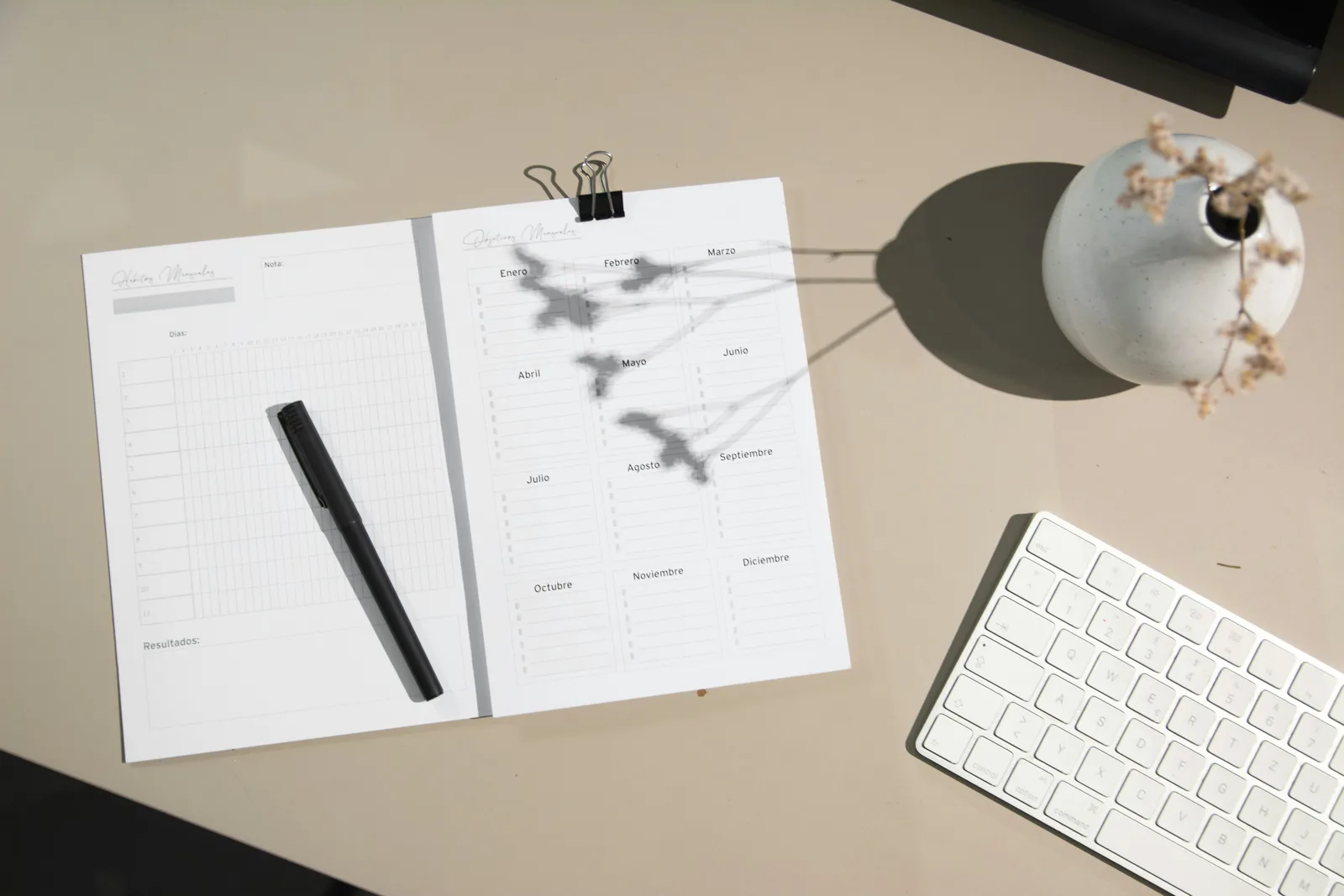
A spreadsheet with a sick note reason typed next to a name is not a filing cabinet. It is a liability sitting in plain sight. Health information is special category data, and once it lives in the same tab as salaries and schedules, you have a problem that no formula can fix.
The danger of open medical notes
Federal rules are specific here: records tied to medical certifications, recertifications, or medical histories gathered for FMLA purposes must be kept as confidential medical records in files separate from the usual personnel files, according to Cornell Law School's Legal Information Institute. A single spreadsheet that mixes a diagnosis note with payroll columns breaks that separation the moment both sit on the same sheet. There is no formula that fixes a structural privacy violation.
Why email attachments are a data leak
Every time someone forwards that tracker to a colleague or manager for review, a new copy is born. There is no log of who opened it, who forwarded it again, or where it ended up. The law does not ask you to be careful, it asks you to be able to prove who had access and when. An attachment sitting in five different inboxes cannot do that.
Standardizing the way you track health
Even when teams try to fix this with better spreadsheet habits, the usual advice falls short of a legal fix. Formatting guidance from Data Organization in Spreadsheets recommends writing every date in the ISO 8601 standard, YYYY-MM-DD, so entries sort correctly and nobody misreads a date. That discipline keeps your data clean, but it does nothing to separate sickness details from general employee records. Clean formatting and legal separation are two different problems, and solving one does not solve the other.
The three year rule is non-negotiable
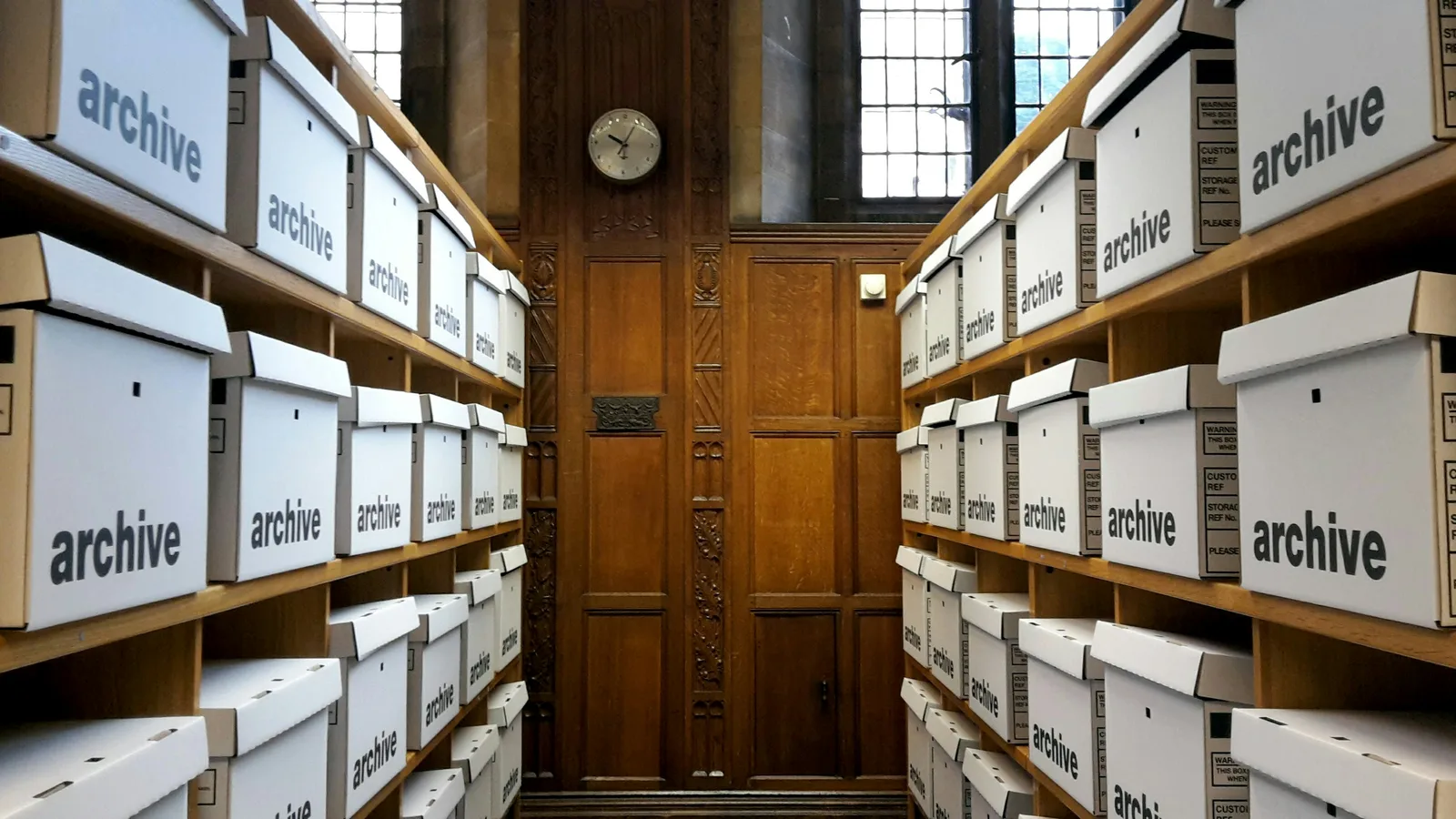
Three years. That is how long you need to keep leave records on file, ready to hand over the moment someone asks. This is not a company policy you can adjust if it feels inconvenient. It comes straight from federal law, which ties FMLA recordkeeping to the retention rules already set under the Fair Labor Standards Act. Three years is the floor, not a suggestion.
Three years of history is a federal mandate
Covered employers must make, keep, and preserve FMLA records for no less than three years, under requirements laid out in 29 CFR § 825.500. That means payroll data, leave dates, notices, and dispute records all need to survive, intact, for that full stretch. A spreadsheet that gets renamed, moved, overwritten, or quietly corrupted by a broken formula does not meet that bar. If a file goes missing or a tab gets deleted by accident, you cannot just shrug. You need the record, not an apology.
Tracking the minutes, not just the days
The same regulation is specific about intermittent leave: if FMLA leave is taken in increments of less than one full day, the actual hours of that leave must be recorded. Not the date. The hours. Most spreadsheets track leave in whole-day blocks because that is simpler to build and simpler to read. But simpler is not the same as compliant. A worker who leaves two hours early three times a week for a medical appointment needs those exact hours logged, every time, for three years straight. Manual entry invites rounding, forgetting, or skipping a day when things get busy. None of that holds up as a federal record.
Small errors lead to large government fines

"We made an honest mistake" will not save you in front of a labor inspector. That line works at a dinner party. It does not work in a government office. Labor departments expect you to have a working system, not a good excuse. And when they find a gap, the bill does not care how sorry you are.
The cost of a Department of Labor visit
Here is the number that should scare you: according to Jim Reidy's analysis for HR Daily Advisor, civil penalties for wage and hour violations often run from $1,000 to more than $12,000 per employee, per violation. Read that again. Per employee. Per violation. A ten-person team with one recurring recordkeeping error is not looking at a minor fine. It is looking at a five-figure or six-figure problem, built one small mistake at a time. That math does not care if you run a five-person shop or a five-hundred-person company. It just multiplies.
Why ignorance is not a defense
Some employers assume audits are rare, or that they happen to other people. That assumption is risky. Reidy notes that the DOL field office in Manchester, New Hampshire, is especially active in conducting audits, which tells you something simple: enforcement is not evenly spread out, and it is not always predictable. You do not get to pick when your office becomes the active one. Regulators also do not grade on effort. They expect a professional system that produces clean, verifiable records on demand, regardless of your size or your industry. A spreadsheet with a typo is not a system. It is a liability waiting for the right visitor to find it.
A clean break from manual tracking
Switching systems feels risky because people assume data gets lost in the move. It does not have to. The real danger is treating migration as a simple copy-paste job instead of a project with steps. According to HROne, a full transition from spreadsheets to an automated system requires a dedicated implementation period. That timeline feels long until you remember how long bad data can sit undetected in a file nobody double-checks.
Auditing your legacy data before you move
Do not import your spreadsheet as is. Go through every tab and ask what is accurate, what is outdated, and what was never right to begin with. Check leave balances against actual records, not formulas that may have broken months ago without anyone noticing. Flag disputed numbers now and resolve them before they become the new system's starting point. Decide how carry-over days get handled so nobody loses earned time in the shuffle. This step is slow, but it is the only way to stop old mistakes from becoming permanent in a system built to prevent them.
Running two systems at once for safety
Do not switch off the old method the day the new one goes live. HROne's research points to parallel running periods, keeping the old and new systems active simultaneously, as a way to catch mismatches before they hit anyone's paycheck. Compare the outputs side by side. If the numbers match, you have confidence. If they do not, you find out while it still costs nothing to fix. Skipping this step to save a few weeks is how small errors turn into the kind of costly disputes nobody has time for.
Stop managing by chance and start managing by law
A spreadsheet will never tell you when it is wrong. It just keeps calculating, keeping its errors quiet until an inspector asks for proof you do not have. The law does not grade on effort. It grades on records, kept whole, kept separate, and maintained without exceptions. "No particular order or form of records is required," but order and form are exactly what protect you when someone comes asking - elaws - Family and Medical Leave Act Advisor. Going forward, every leave request you log is either building a defensible record or a future fine. Choose the record.
Juan founded Timis to help teams organize remote work, time off and absences without spreadsheets. A self-taught software engineer building products since 2015, he's now CTO at Hirevoice. He cares deeply about clean design and great user experience.